n8n: Why I Switched to Open-Source Workflow Automation
Tired of Zapier's pricing and limitations? n8n offers powerful, self-hosted automation that developers will love. Here's how I'm using it.
January 28, 2026
The Automation Problem
I love automating repetitive tasks. Send a Slack message when a form is submitted. Create a Notion page when a GitHub issue is opened. Sync data between tools.
For years, I used Zapier. It worked. But as my automations grew, so did the costs. And hitting limits on what I could customize became frustrating.
Then I discovered n8n - an open-source, self-hosted alternative. After migrating my workflows, I'm not looking back.
What Is n8n?
n8n (pronounced "n-eight-n") is a workflow automation tool. Think Zapier or Make, but:
- Open source: Free to use, modify, and extend
- Self-hosted: Run it on your own server
- Developer-friendly: Write custom code when needed
- No execution limits: Run as many workflows as your server handles
Workflows I've Built
1. GitHub to Notion Sync
When a new issue is created in any of my repos, n8n:
- Creates a Notion database entry
- Adds labels and priority
- Links back to the GitHub issue
- Notifies me on Slack if it's high priority
2. Content Publishing Pipeline
When I publish a blog post:
- Automatically shares to Twitter / X
- Posts to LinkedIn with a different format
- Sends to my newsletter subscribers
- Updates my portfolio's RSS feed
3. Daily Standup Bot
Every morning at 9 AM:
- Pulls my calendar events
- Checks GitHub for assigned issues
- Summarizes using AI
- Posts to my team's Slack channel
4. Lead Notification System
When someone fills my contact form:
- Validates the email
- Enriches data with Clearbit
- Adds to my CRM
- Sends me a formatted Slack notification
- Triggers a welcome email sequence
Why Developers Love n8n
Code When You Need It
Most nodes are visual, but you can drop into JavaScript or Python anytime:
 // Custom code node example
const items = $input.all();
return items.map(item => ({
json: {
...item.json,
processed: true,
timestamp: new Date().toISOString()
}
}));
HTTP Requests Made Easy
Call any API, not just supported integrations.Full control over headers, auth, and response handling.
Self - Hosted = Full Control
Your data stays on your server.No third - party access.Compliance - friendly.
Community Nodes
Hundreds of community - built integrations.If it doesn't exist, you can build it.
Getting Started
Quick Deploy Options
- Docker: docker run -it --rm -p 5678:5678 n8nio/n8n
- Railway: One-click deploy template
- DigitalOcean: Droplet marketplace app
- n8n Cloud: Hosted option if you don't want to self-host
First Workflow in 5 Minutes
- Open n8n dashboard
- Create new workflow
- Add trigger(webhook, schedule, or app event)
- Add action nodes
- Connect and activate
n8n vs Zapier vs Make
| Feature | n8n | Zapier | Make |
| Self - hosted option | Yes | No | No |
| Custom code | Full JS/Python | Limited | Limited |
| Pricing | Free (self-hosted) | $$$$ | $$ |
| Learning curve | Medium | Low | Medium |
| Integrations | 400+ | 5000 + | 1000+ |
Tips From Experience
- Start simple: Build one workflow, get it working, then expand
- Use error handling: Add error workflows to catch failures
- Version control: Export workflows as JSON, store in Git
- Monitor resources: Complex workflows can be memory-intensive
- Document your flows: Future you will thank present you
The Bottom Line
n8n isn't for everyone. If you want zero setup and don't mind the cost, Zapier is easier.
But if you're a developer who wants full control, unlimited executions, and the ability to customize everything - n8n is incredible.
I've automated hours of weekly tasks. My server costs? About $5/month on a small VPS.
That's the power of open source.
Here are some other articles you might find interesting.
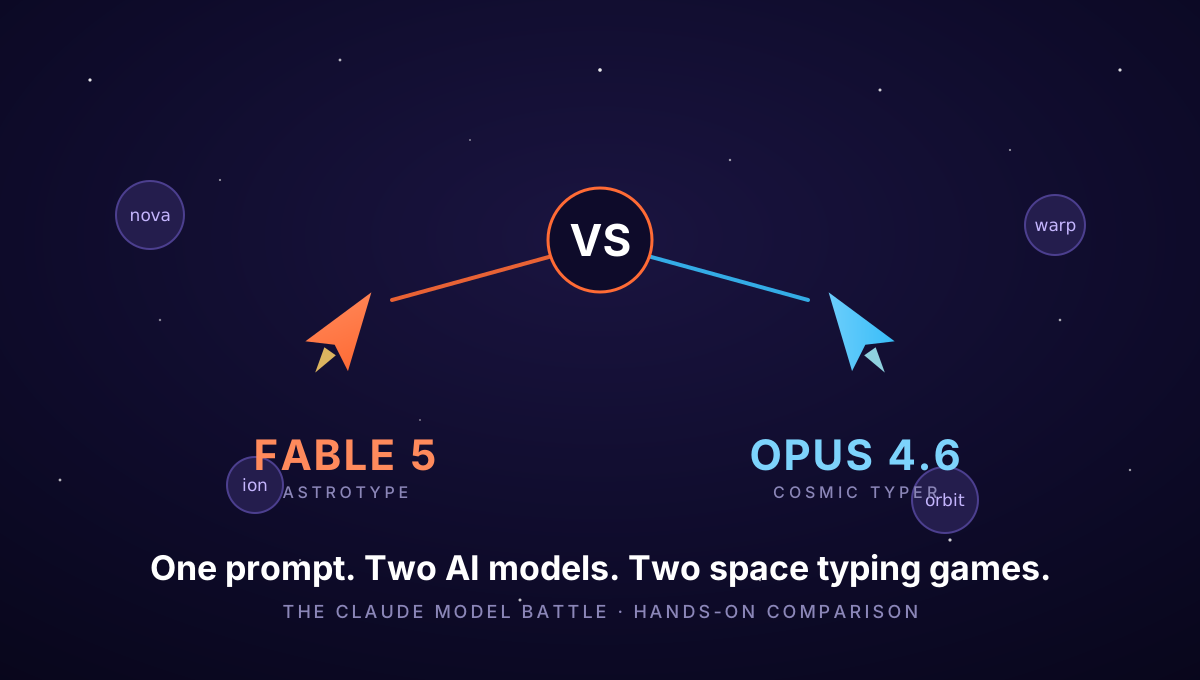
Fable 5 vs Opus 4.6: I Gave Two Claude Models the Same Prompt - Both Built Me a Space Shooter
One prompt - my 'astro type typing lab' idea - sent to Claude Fable 5 and Claude Opus 4.6, no follow-ups allowed. Both independently invented a space typing-defense game. Here's the full teardown: architecture, features, SEO, design - and both games are playable inside this post.
Google Veo 3: AI Video Generation Finally Delivers on the Promise
When Google released Veo 3, AI video generation crossed a threshold. Here's what it can do, what it means for creators, and why this changes everything.