Design Systems: Building Consistency at Scale
From buttons to brand guidelines, design systems are the backbone of modern product development. Here's what I learned building them.
November 28, 2023
What Even Is a Design System ?
When I first heard about design systems, I thought it was just a fancy name for a style guide.I was partially right, but also very wrong.
A design system is like a LEGO set for your product.It's a collection of reusable components, clear guidelines, and shared principles that help teams build consistent experiences at scale.
Think of it as the source of truth for how your product looks, feels, and behaves.
Why Bother Building One ?
You might be thinking: "My project is small, do I really need this?" Let me share what happened before we had a design system:
- We had 5 different button styles across the app
- Designers and developers kept asking "what's our primary blue?"
- Every new feature took weeks to design from scratch
- Our app felt like it was built by different companies
Sound familiar ?
The Building Blocks
1. Design Tokens: The Foundation
Start with design tokens - the atomic elements of your design:
 // Colors
primary: #FF6B35
secondary: #004E89
success: #10B981
error: #EF4444

// Spacing
space - xs: 4px
space - sm: 8px
space - md: 16px
space - lg: 24px

// Typography
font - heading: 'Inter', sans - serif
font - body: 'Inter', sans - serif
font - size - base: 16px
These tokens become variables in your CSS, design tools, and code.Change them once, update everywhere.
2. Components: The LEGO Bricks
Build reusable components that follow your design tokens:
- Buttons: Primary, secondary, outline, ghost, danger
- Inputs: Text, email, password, select, checkbox, radio
- Cards: Standard, elevated, bordered
- Navigation: Navbar, sidebar, tabs, breadcrumbs
- Feedback: Alerts, toasts, modals, tooltips
Each component should have:
- Clear usage guidelines
- Multiple variants(sizes, states, types)
- Accessibility considerations
- Code examples
3. Patterns: How Components Work Together
Components are great, but how do you combine them ? Document common patterns:
- Form layouts and validation patterns
- Data table interactions
- Empty state designs
- Loading states and skeletons
- Error handling approaches
Tools of the Trade
For Designers
- Figma: Build component libraries with variants and auto-layout
- Design Tokens: Use plugins to sync tokens between design and code
- Storybook for Figma: Connect designs to live components
For Developers
- Storybook: The gold standard for component documentation
- Tailwind CSS: Built-in design system with utility classes
- CSS -in -JS libraries: styled-components, Emotion for component-scoped styles
- Component libraries: shadcn/ui, Radix UI, Headless UI for accessible primitives
Starting Small: The MVP Approach
Don't try to build everything at once. Start with:
Week 1: Foundation
- Define color palette(5 - 7 colors max)
- Set typography scale(4 - 5 sizes)
- Establish spacing scale(6 - 8 values)
Week 2: Core Components
- Button(2 - 3 variants)
- Input field
- Card
Week 3: Documentation
- Set up Storybook
- Document usage for each component
- Add code examples
Week 4 +: Iterate
- Add components as needed
- Gather feedback from team
- Refine based on real usage
Lessons I Learned the Hard Way
1. Don't Over-Engineer Early
I tried to account for every possible use case upfront.Bad idea.Build what you need now, extend later.
2. Name Things Clearly
Avoid names like button - style - 3 . Use semantic names like button-primary, button - danger . Future you will thank present you.
3. Get Buy - In Early
A design system only works if people use it.Involve developers and designers from the start.Make it solve their real problems.
4. Make It Easy to Use
If it's easier to copy-paste code than use your component library, people won't use it.Make adoption the path of least resistance.
5. Version and Communicate Changes
When you update a core component, you're potentially breaking dozens of screens. Use semantic versioning and communicate changes clearly.
Measuring Success
How do you know if your design system is working ?
- Adoption rate: Are teams actually using it?
- Development speed: Are new features shipping faster?
- Consistency score: Does the product feel cohesive?
- Design debt: Are you creating fewer one-off components?
Real - World Examples to Study
Learn from the best:
- Material Design (Google): Comprehensive but opinionated
- Polaris (Shopify): Excellent documentation and rationale
- Carbon (IBM): Enterprise-grade, accessibility-first
- Atlassian Design System: Great component examples
The Living System
Here's the thing about design systems: they're never done.They evolve with your product, your team, and the web platform itself.
- New components get added
- Existing ones get refined
- Best practices emerge and get documented
- Accessibility standards improve
That's not a bug - it's a feature.A design system that doesn't change is a design system that's dead.
Getting Started Today
You don't need permission or a huge team. Start small:
- Audit what you have - find the patterns
- Define your colors and spacing
- Build one component really well
- Document it clearly
- Share it with the team
- Iterate based on feedback
A design system isn't about perfection. It's about consistency, efficiency, and enabling your team to build better products faster.
Start today.Your future self(and your team) will thank you.
Here are some other articles you might find interesting.
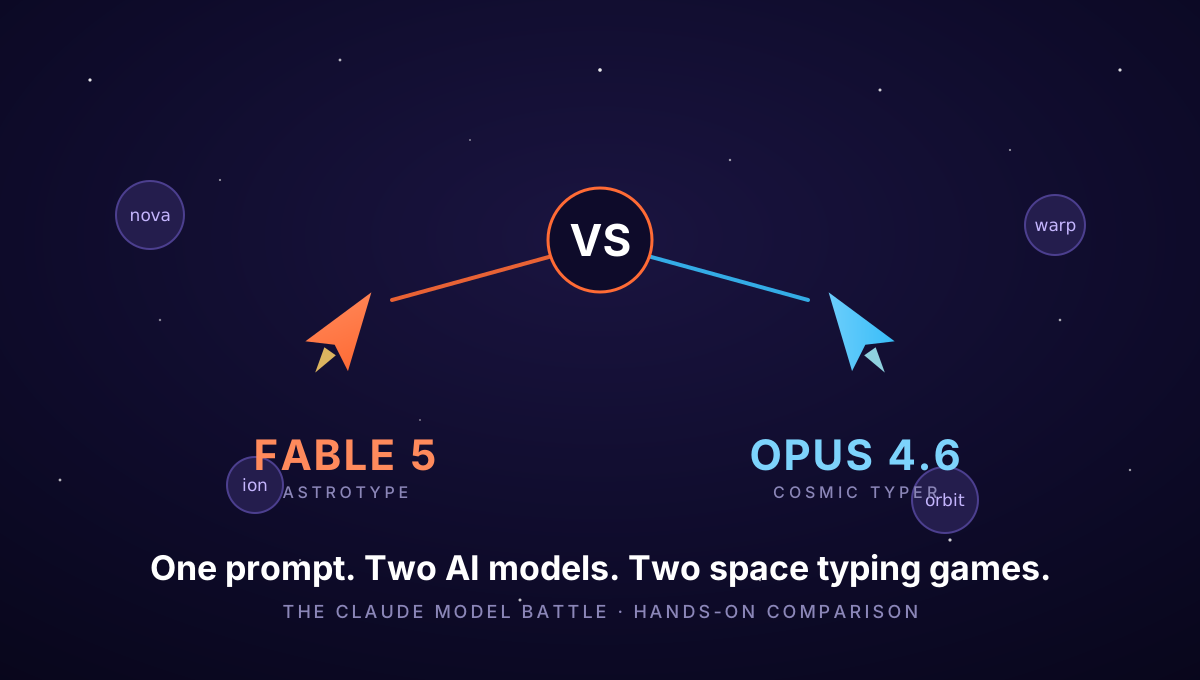
Fable 5 vs Opus 4.6: I Gave Two Claude Models the Same Prompt - Both Built Me a Space Shooter
One prompt - my 'astro type typing lab' idea - sent to Claude Fable 5 and Claude Opus 4.6, no follow-ups allowed. Both independently invented a space typing-defense game. Here's the full teardown: architecture, features, SEO, design - and both games are playable inside this post.
n8n: Why I Switched to Open-Source Workflow Automation
Tired of Zapier's pricing and limitations? n8n offers powerful, self-hosted automation that developers will love. Here's how I'm using it.

